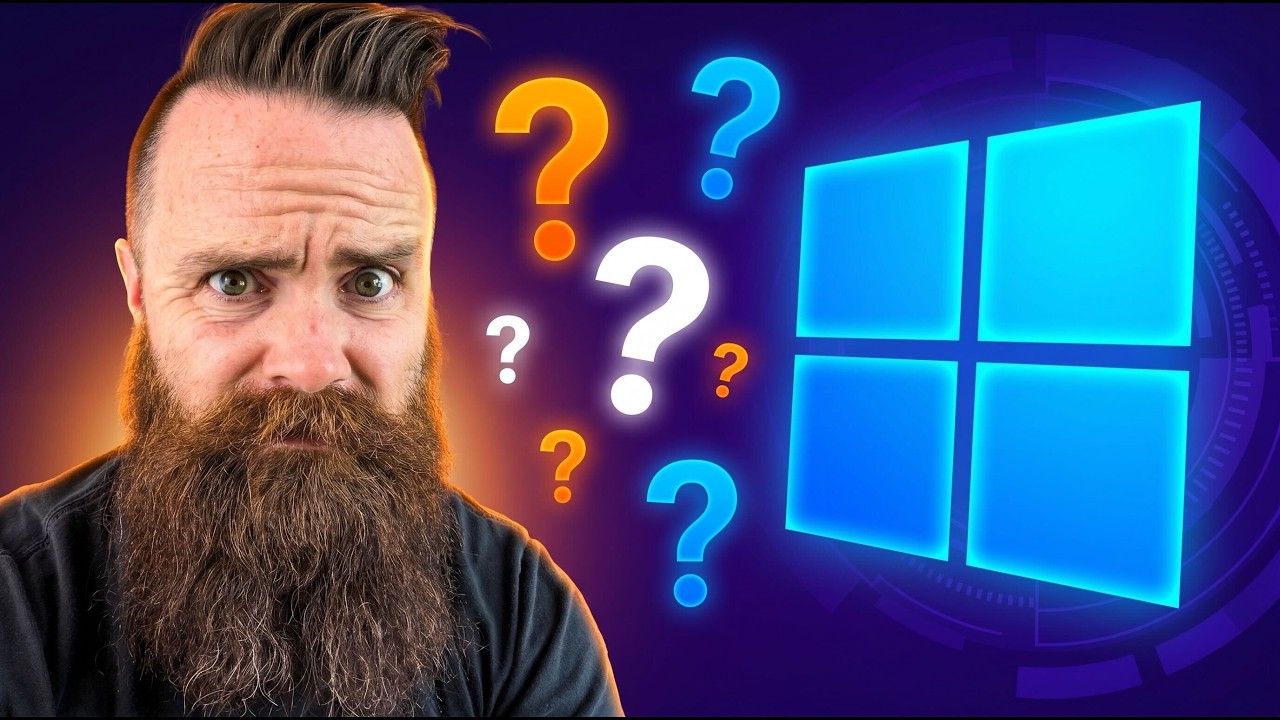
Switching back to Windows?!?
Keywords
Summary
181 words
Critical Evaluation
Value of the Information & Strength of the Argument
The video provides substantial practical information about the Codex Windows sandbox, explaining technical concepts like ACLs, restricted tokens, and firewall rules in an accessible way. The argumentation is largely based on live demonstrations, which are compelling and informative. However, the narrative is skewed by the sponsorship, and the host does not critically evaluate potential security flaws or alternative approaches. The claim that the sandbox is ‘Windows native’ is well-supported by the technical details and OpenAIs published engineering blog, lending credibility to the demonstration. The overall argument is convincing but presented with an optimistic bias that undermines a fully neutral assessment.
Scientific Rigor, Source Quality, Title Accuracy
The video references official sources: the OpenAI engineering blog, the open-source Codex repository, and Microsoft documentation for Hyper-V, winget, and WSL. These are credible and directly relevant. The technical accuracy appears high, and the demonstrations are consistent with the described mechanisms. However, the reliance on a sponsored relationship with OpenAI compromises full objectivity. The title is sensationalized, but the content does address the question posed, albeit with a favorable lean. No conflicting sources are cited, and the video does not attempt to present counterarguments or negative aspects of the product.
205 words
Title / Content Match
The title is clickbait, but the video genuinely explores the possibility of switching back to Windows, including the host's personal dilemma and ultimately concluding he is not quite ready. It is adequately matched to the content.
Quality & Reliability
6/10
The video is professionally produced and demonstrates real technical features, but it is explicitly sponsored by OpenAI, which introduces a promotional bias. Technical explanations about the sandbox align with OpenAI's engineering blog, and the hands-on demonstrations appear genuine. However, critical limitations and potential drawbacks of Codex are not explored, and the host's enthusiasm is clearly influenced by sponsorship.
Chapters
- The messy desk confession (why I run a Mac AND a Windows PC)
- OpenAI made Codex Windows-native — and 60,000 of you still run Windows
- The real reason I left Windows (it was AI, not the bloat)
- Installing the Codex app on Windows: sub-agents, plugins, automations
- What "Windows-native" actually means: PowerShell vs WSL
- Why letting an AI agent loose on Windows is terrifying
- How OpenAI built their own Windows sandbox in 15,000 lines of Rust
- The sandbox in action: sandbox users, SIDs, and icacls
- Blocking the agent's internet with Windows Firewall rules
- Codex permission modes: auto-review vs full access
- Letting Codex safely clean my Downloads folder
- God Mode + stripping Windows adware and bloatware
- Six sub-agents build a Hyper-V hacking lab with Kali Linux
- Stopping Windows Update from undoing your changes
- The verdict: is Codex winning me back to Windows?
- A prayer for you
Cited Sources
- OpenAI Codex GitHub repository — Open-source repository for Codex, including the sandbox implementation.
- Building the Codex Windows sandbox (OpenAI engineering deep-dive) — Official blog post detailing how OpenAI built the Windows sandbox using Rust and Windows security features.
- Enable Hyper-V on Windows 11 Pro — Microsoft documentation for enabling Hyper-V, which the video demonstrates for creating a hacking lab.
- winget - Windows Package Manager — Microsoft documentation for the winget command-line package manager, mentioned in the video.
- Windows Subsystem for Linux (WSL) documentation — Microsoft documentation for WSL, noted as an alternative to running Codex in a Linux environment.
Concurring Sources
- OpenAI Codex GitHub repository — Confirms the open-source nature and existence of the sandbox code.
- OpenAI engineering blog on Codex Windows sandbox — Corroborates the technical details presented in the video about Rust code and Windows security integration.
External References
Contribution & Novelties
This video provides a unique hands-on look at OpenAI’s Windows-native sandbox for Codex, highlighting how it leverages built-in Windows security mechanisms (ACLs, restricted tokens, firewall rules, and dedicated SIDs) to isolate an AI agent. It demystifies the concept of ‘Windows-native’ AI tools and demonstrates practical applications such as cleaning bloatware, automating tasks, and building a hacking lab. The video contributes to the emerging discourse on AI agent security and integration into operating systems.
Pour aller plus loin :
- OpenAI Codex GitHub — Explore the open-source code and sandbox implementation.
- Building the Codex Windows sandbox — Technical deep-dive from OpenAI engineers.
- Hyper-V documentation — Understand how Hyper-V enables virtualization on Windows, used in the hacking lab demo.
- Windows Firewall overview — Learn about the firewall rules that isolate the sandbox.
129 words
Radar Profile
The radar profile shows high scores for information quantity and technical level, indicating a dense, detail-rich presentation. The quality and reliability scores are moderately lower, reflecting the promotional nature and lack of critical analysis. The overall balance leans toward a informative but partially biased source.
💬 Negatively oriented: viewers are skeptical of the sponsorship and overwhelmingly resistant to switching back to Windows, with many humorous comments about the sponsor connection. A minority note appreciation for the technical sandbox demonstration.